User Roles & Permissions
Orbit has three user roles. Each role controls what a user can see and do across the platform.
| Role | Access level |
|---|---|
| Admin | Full access — manage users, settings, customers, and all portal features |
| User | Standard access — view and work with customer data and portal features |
| User (Read-Only) | View-only access — can browse the platform but cannot make any changes |
Customer Categorization
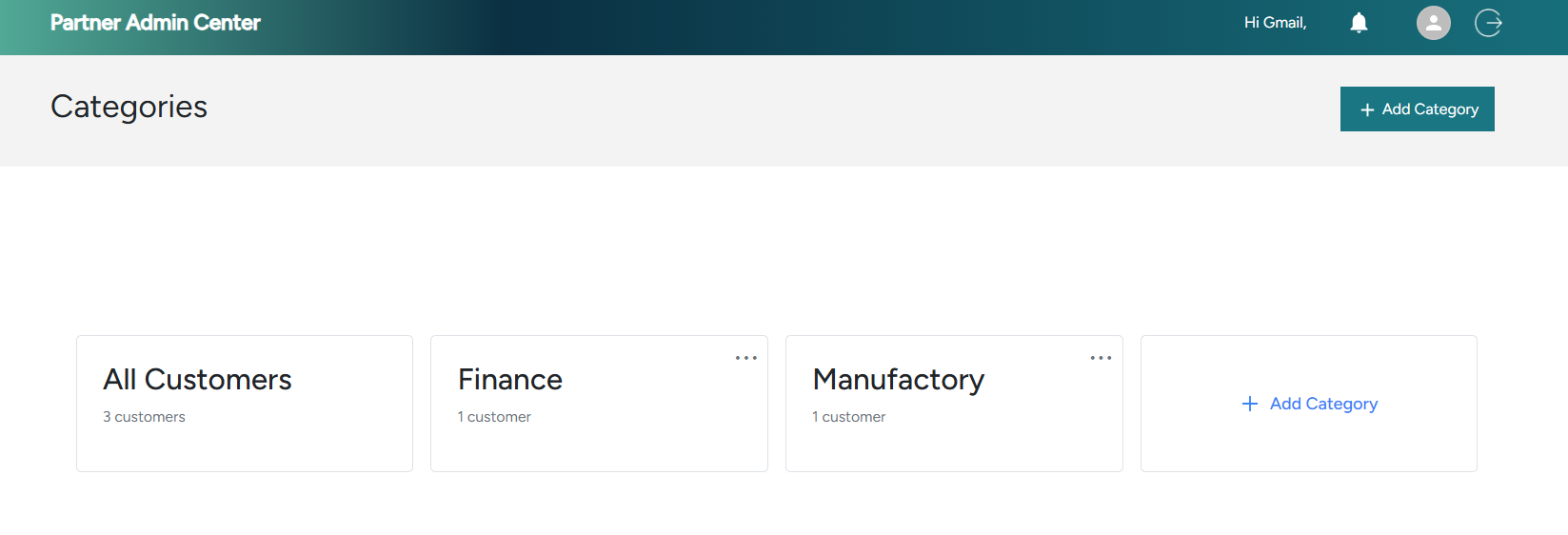
Categories let you group customers so they're easier to organize, filter, and assign. A customer can belong to more than one category.
To create a category and assign customers to it, go to Company Settings → Categories.
Giving customers portal access
If you want a customer to access and use the portal themselves, create a category specifically for that customer and assign it to their user account.
📸 Example Screenshot
Customer Permissions
In addition to roles, you can assign customer-specific permissions to individual users. This gives you fine-grained control — for example, a user might have standard access to most customers but restricted access to a specific account.
Customer permissions are managed per user from the Users page. Select a user and configure which customers they can access and what actions they can perform on each.